Your shop, ready in an afternoon
A complete online shop with a back office and a mobile app: 40 themes, products with every colour and size, a checkout that takes cash on delivery and bank transfers, order emails, promotions and a marketplace for other sellers.
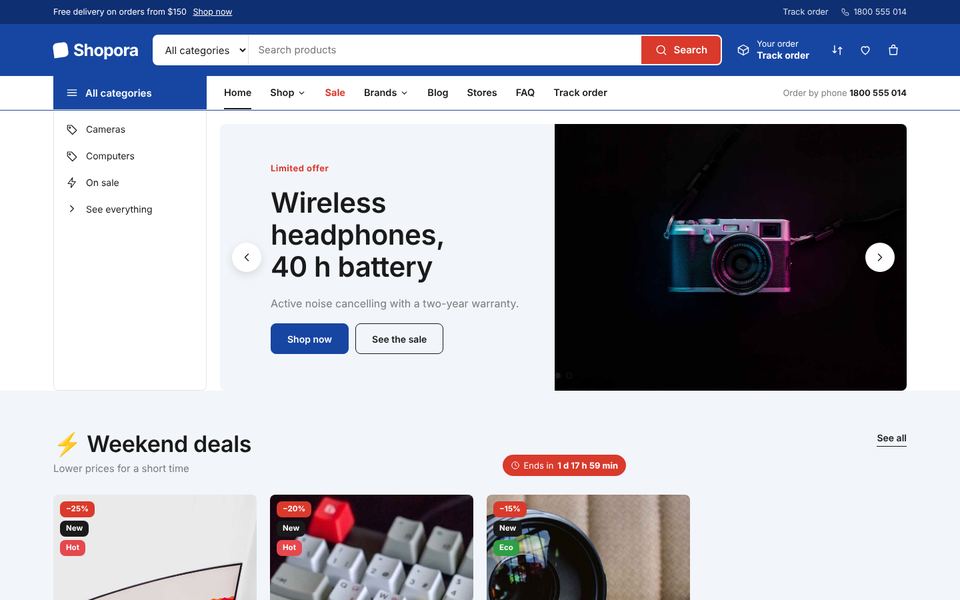
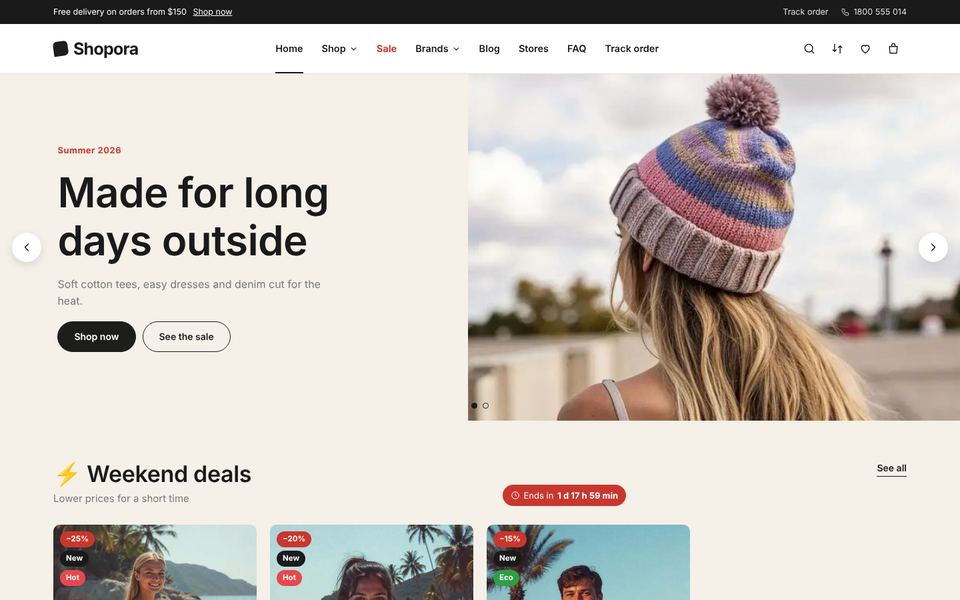
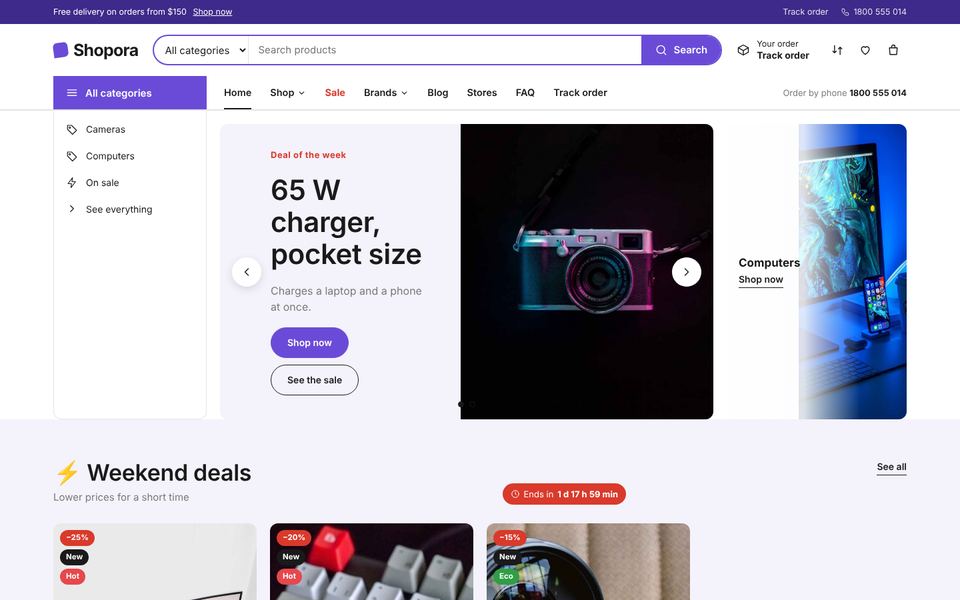
A storefront for every kind of shop
Fashion, electronics, beauty, furniture, groceries, clinics, magazines, agencies — 40 complete designs, each one filled with your own products. Switch in one click; your colours and fonts are kept.
- Preview any theme with your real catalogue before customers see it
- Colours, fonts, corner radius, buttons, header and grid on top of any theme
- Home page made of blocks you show, hide and reorder
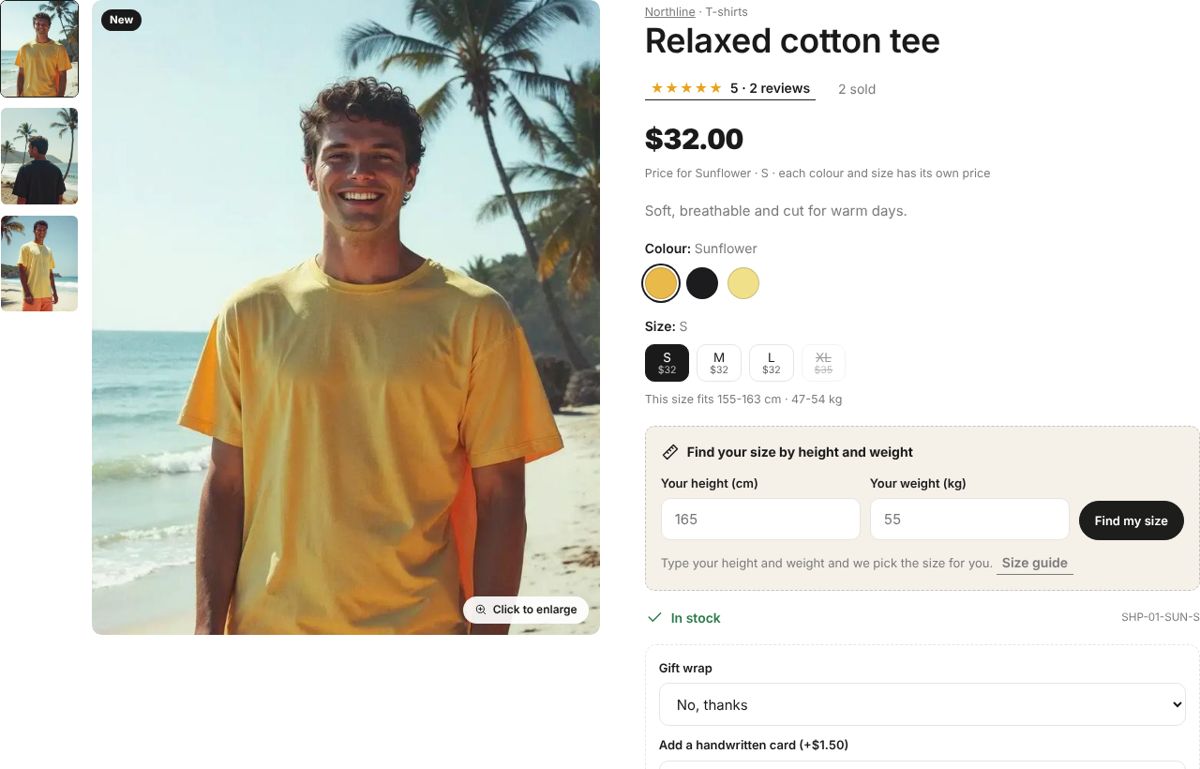
Every colour and size with its own price
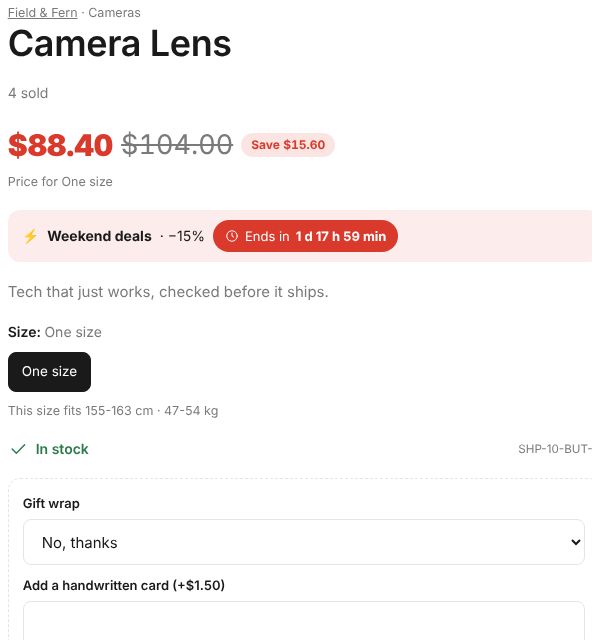
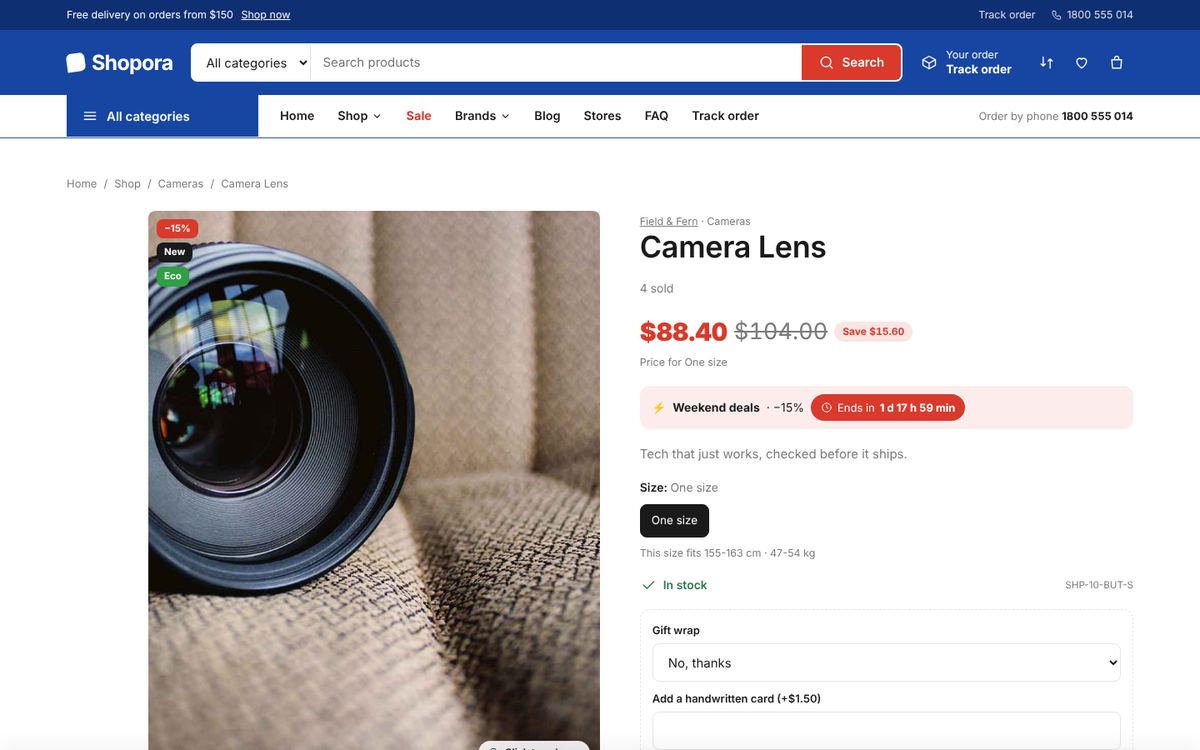
Variants with their own price, stock, SKU and photo; paid extras like gift wrap; a size finder by height and weight; spec tables; digital products with download links.
- Import a whole catalogue from CSV
- Bulk price and stock editing with a full stock history
- Categories, brands, tags, collections and badges
- Reviews approved before they show
A checkout that just works
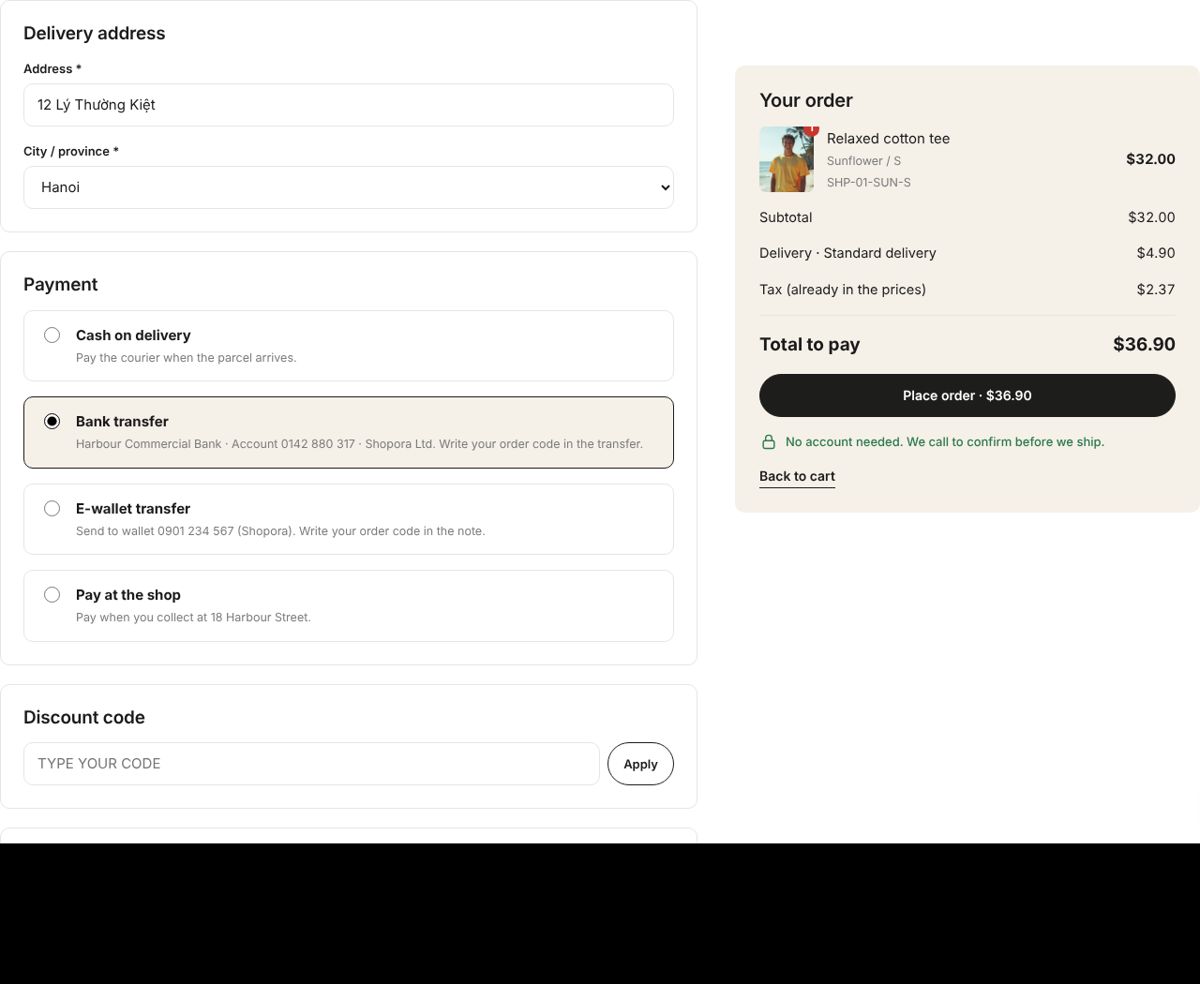
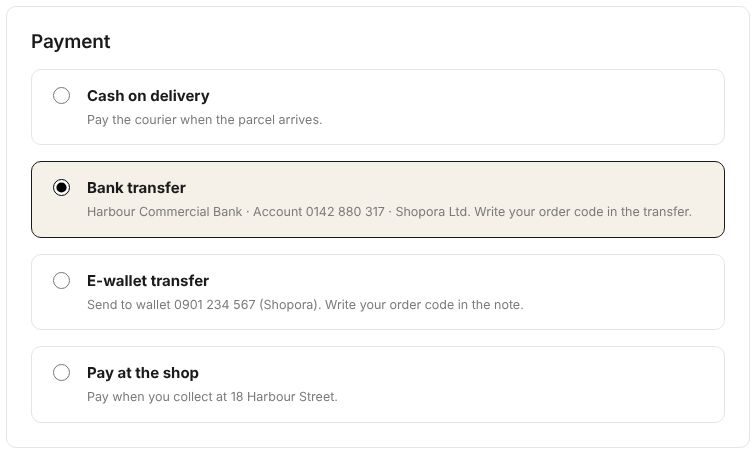
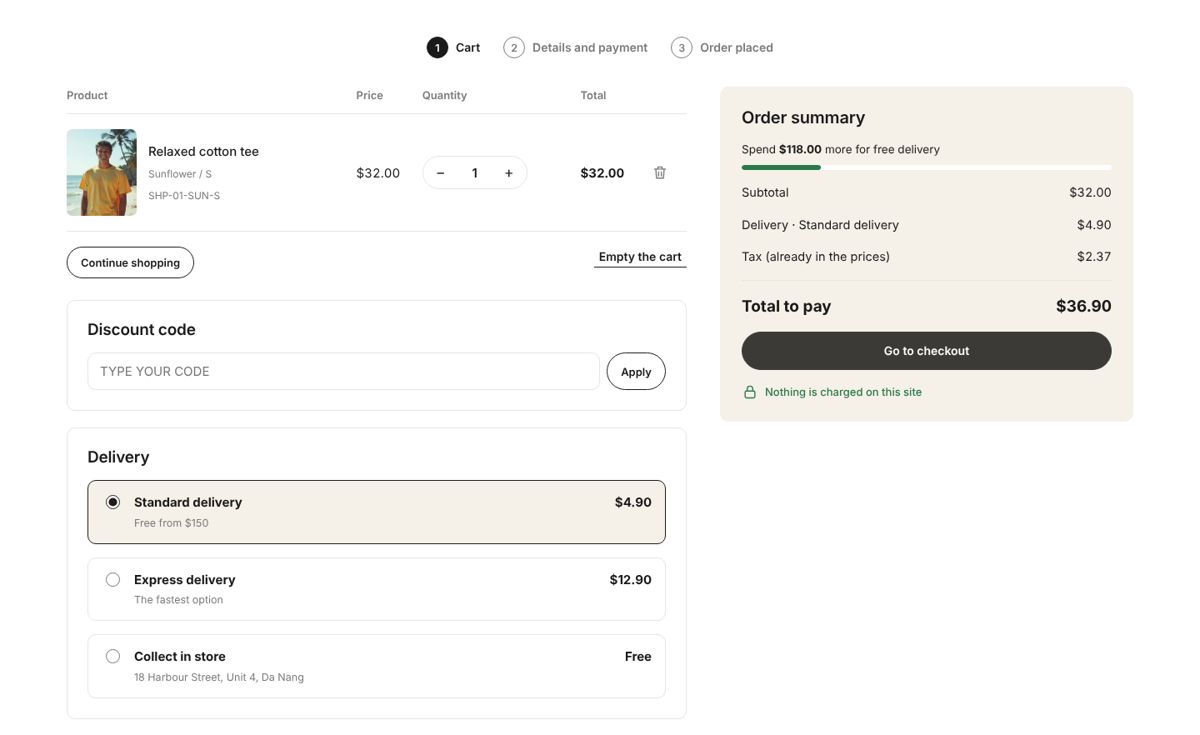
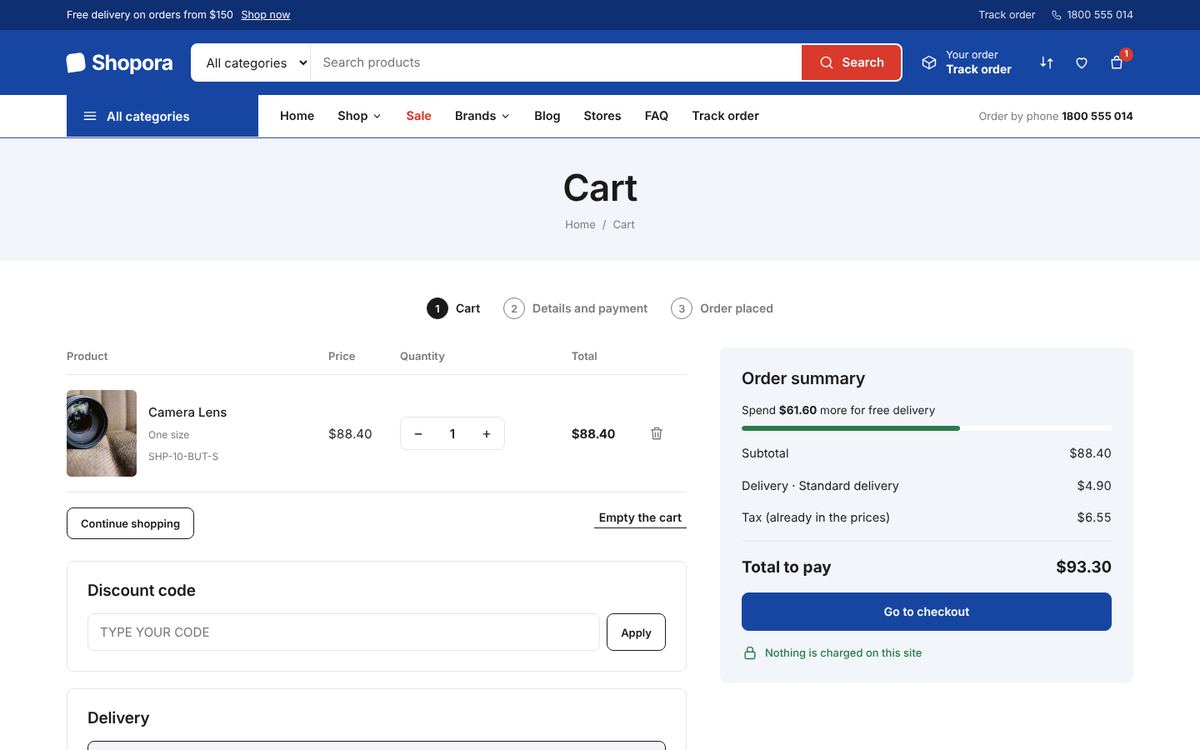
No account needed. Standard, express or collect in store; cash on delivery, bank transfer with a VietQR code, e-wallets or online card payment. Every price is worked out again on the server.
- Free-delivery threshold, fees per province, tax included or added
- Discount codes with limits and dates
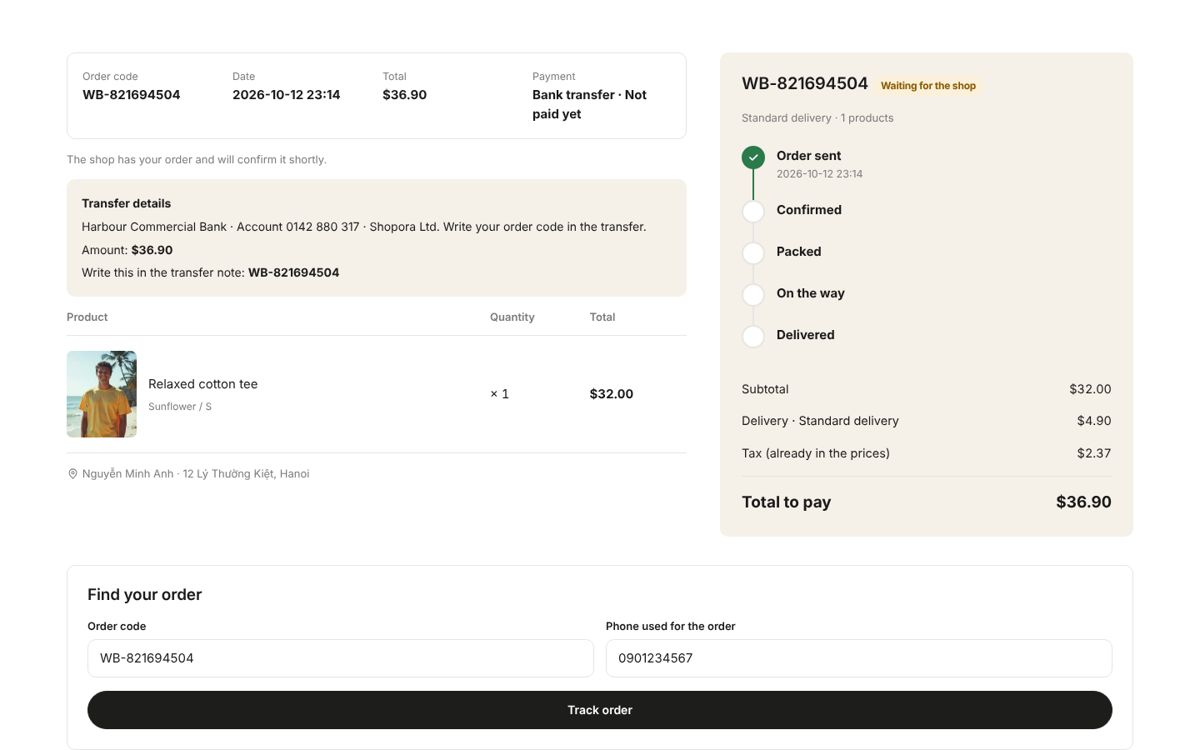
- The order code and transfer details shown right after ordering
From “order received” to “delivered”
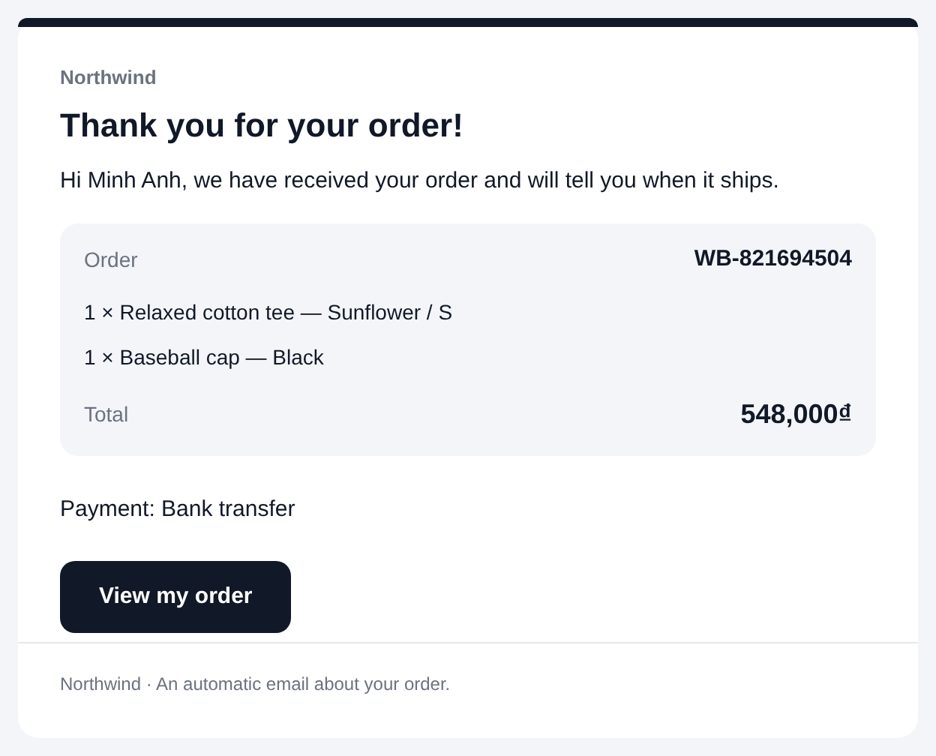
Move each order through confirmed, packed, shipped and delivered. The buyer follows it with the order code and phone number, and the server emails them at every step.
- Orders typed in at the counter or by phone
- Returns, shipments and invoices
- Your team is emailed about every new order
- Low-stock summary every morning
Flash sales, codes and popups
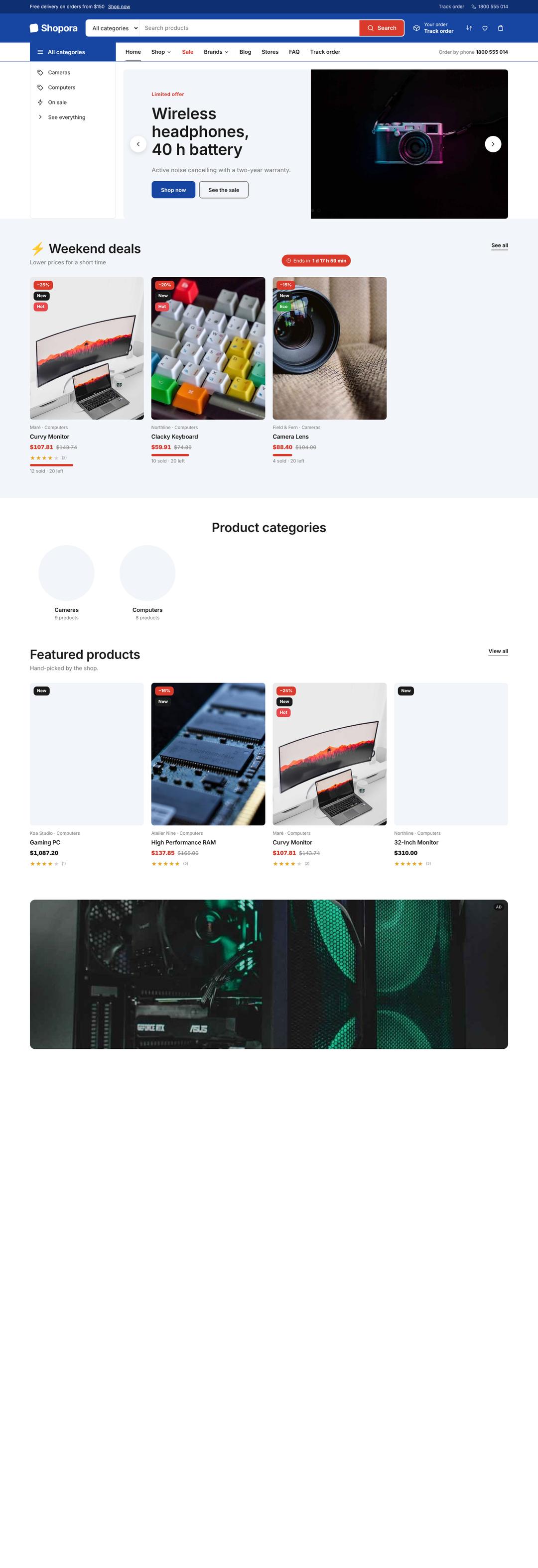
Flash sales with a countdown, discount codes, welcome popups with a code to copy, sliders, small ads, a notice bar and testimonials.
- Push notifications to the mobile app
- Newsletter sign-ups
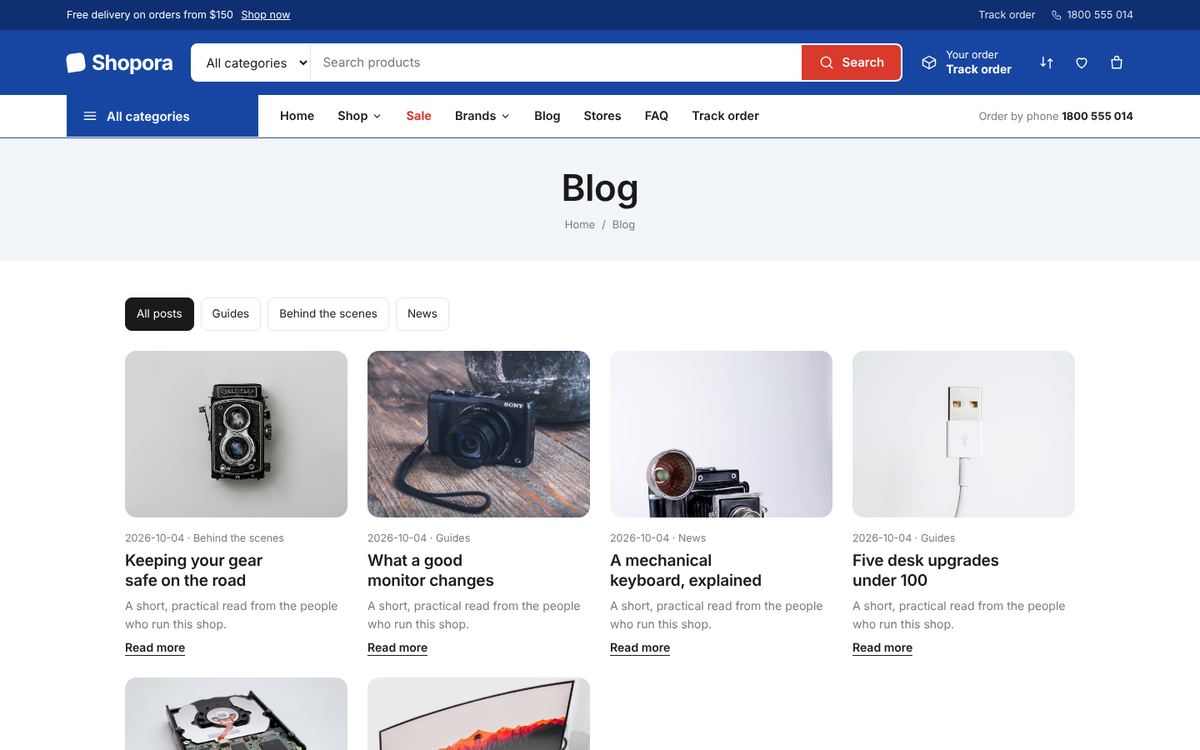
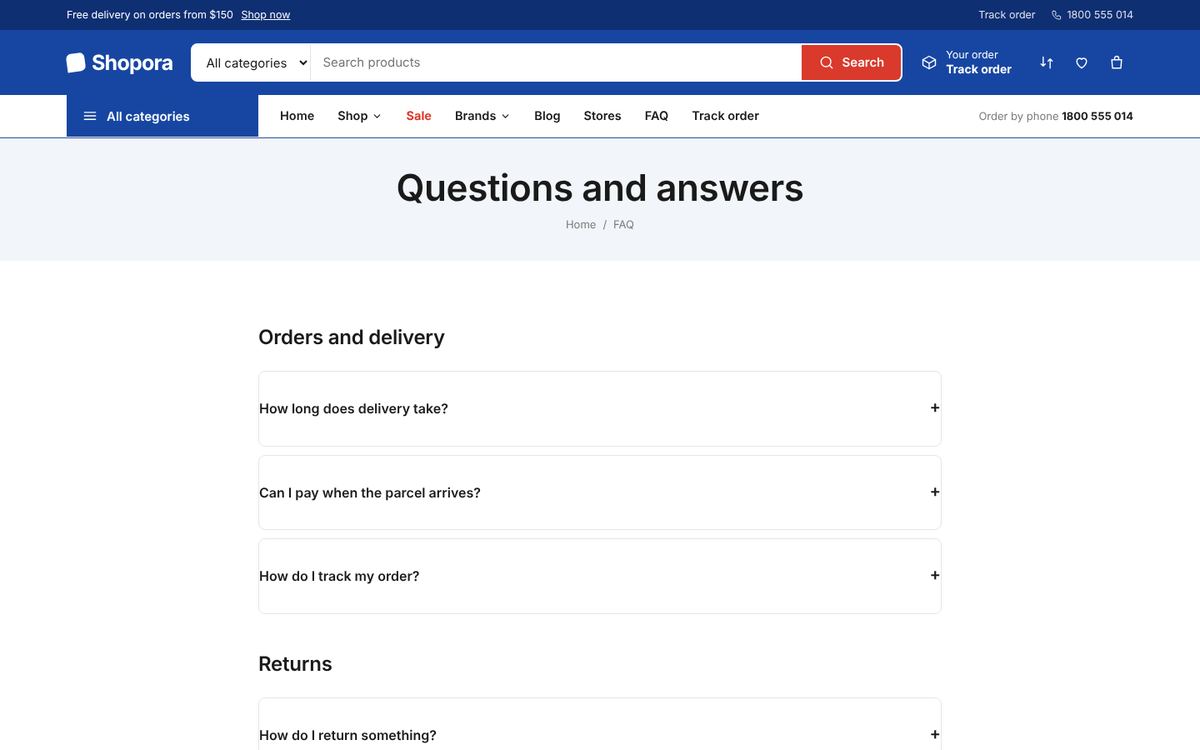
- Blog, pages, FAQ and photo galleries
Let other sellers open a store
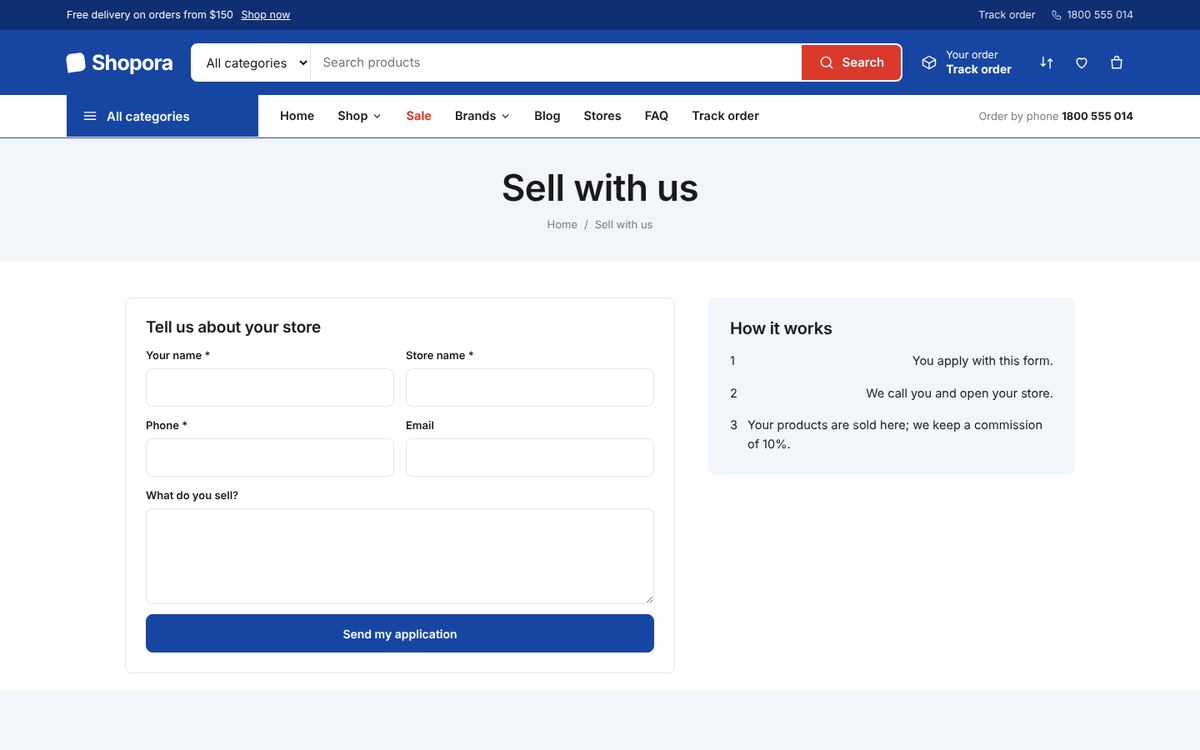
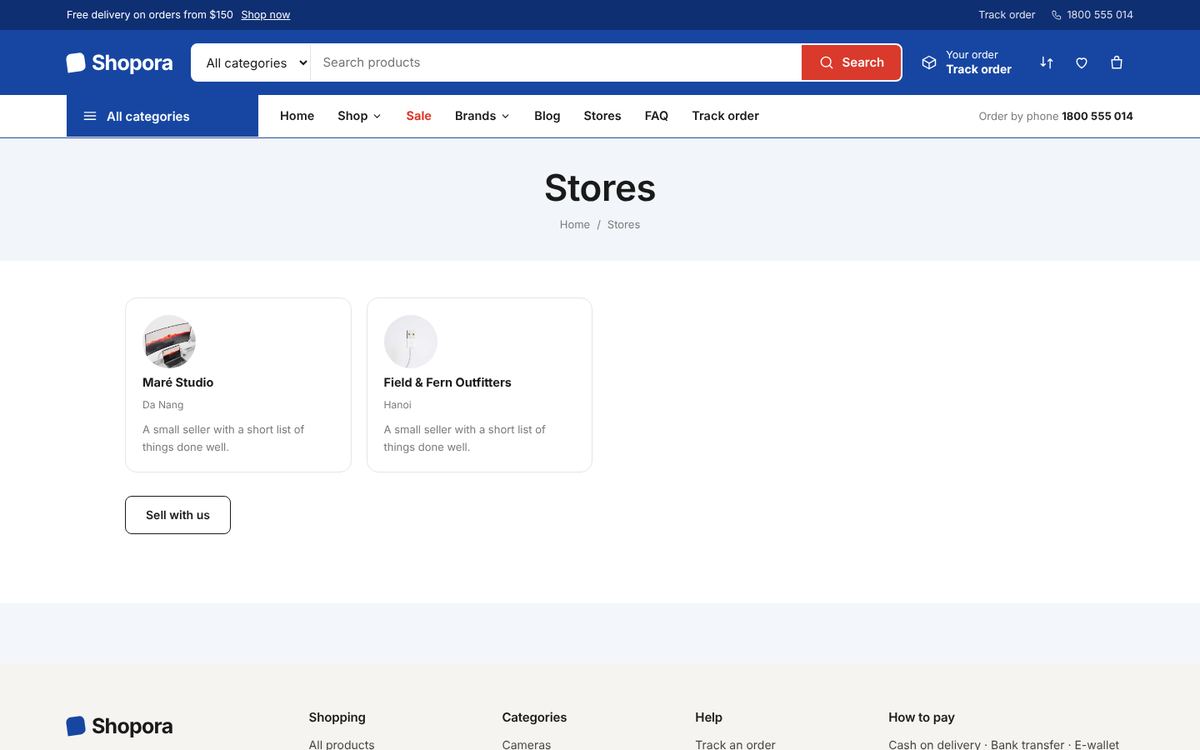
Sellers apply, you verify them and they get their own store inside your shop. You keep a commission and pay out the balance.
- Seller requests to add or edit products, approved by you
- Balances from delivered and paid orders
- Payouts recorded and marked paid
Run the shop in plain words
“Sales today”, “orders to process”, “add colour Yellow to the cotton tee”, “dark header”. Copilot reads your real data and answers — changes are previewed first and can be undone.
- AI writes descriptions, blog posts and SEO
- AI creates product images and banners
- Staff roles: admin, sales, catalog, marketing
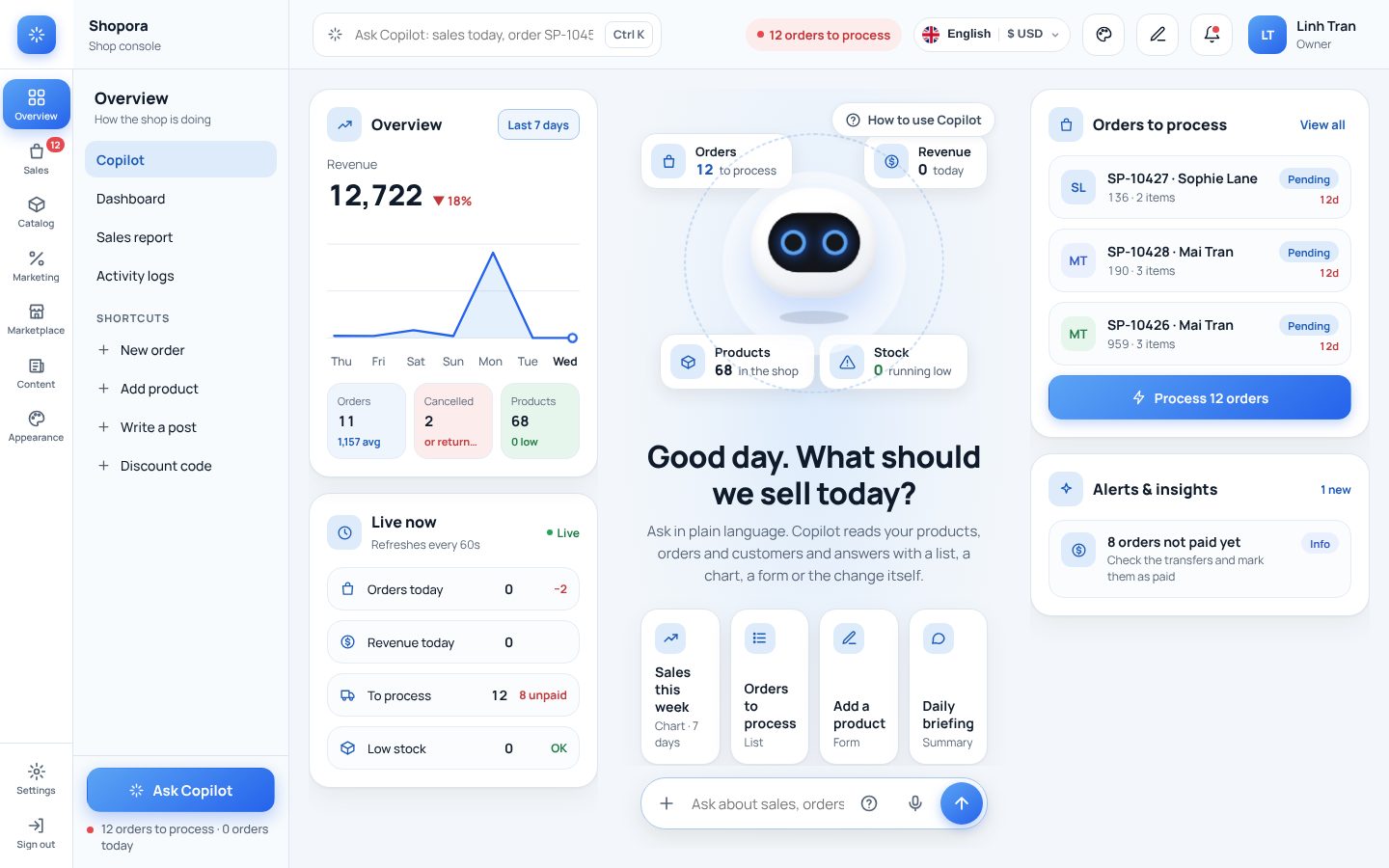
A back office your team understands
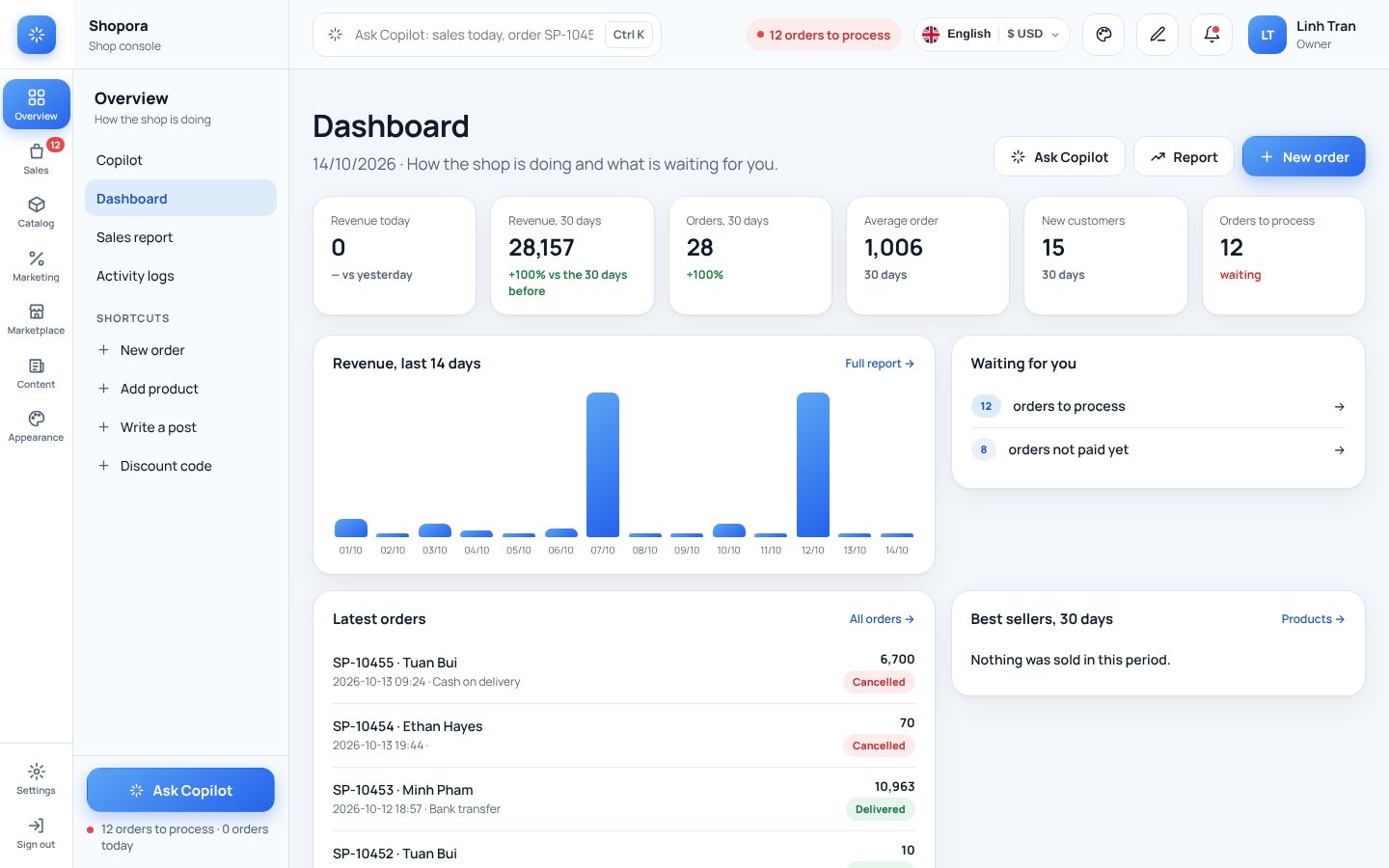
What is waiting, today's revenue and the latest orders on one screen. Every list has search, quick filters and 20 records a page, so it stays fast with thousands of orders.
- Menus grouped by job: sales, catalog, marketing, content, appearance, settings
- Staff see only the parts of their role
- Activity logs: who changed what, and when
- Stock count, price lists and exports
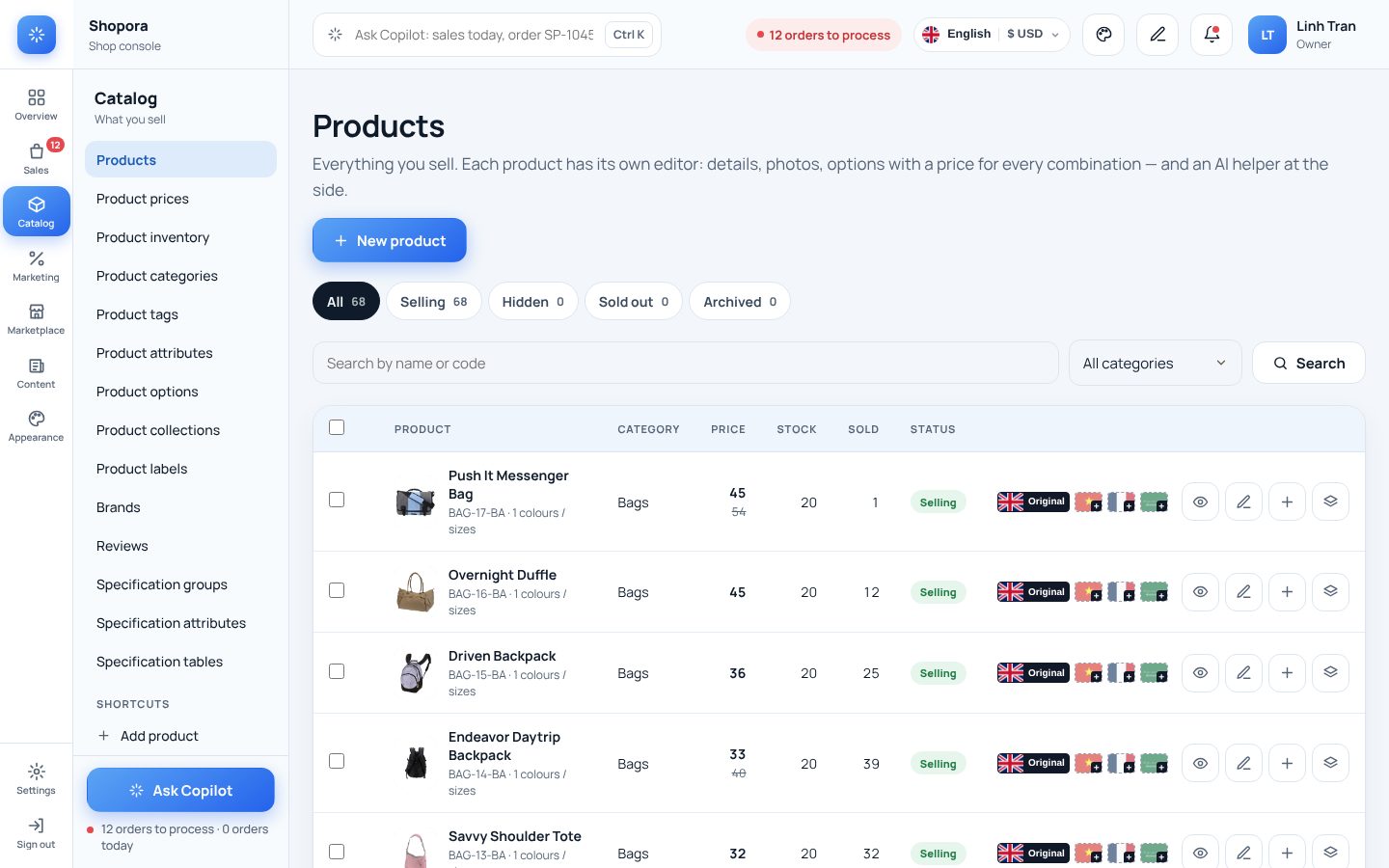
Sell in every language, count in one currency
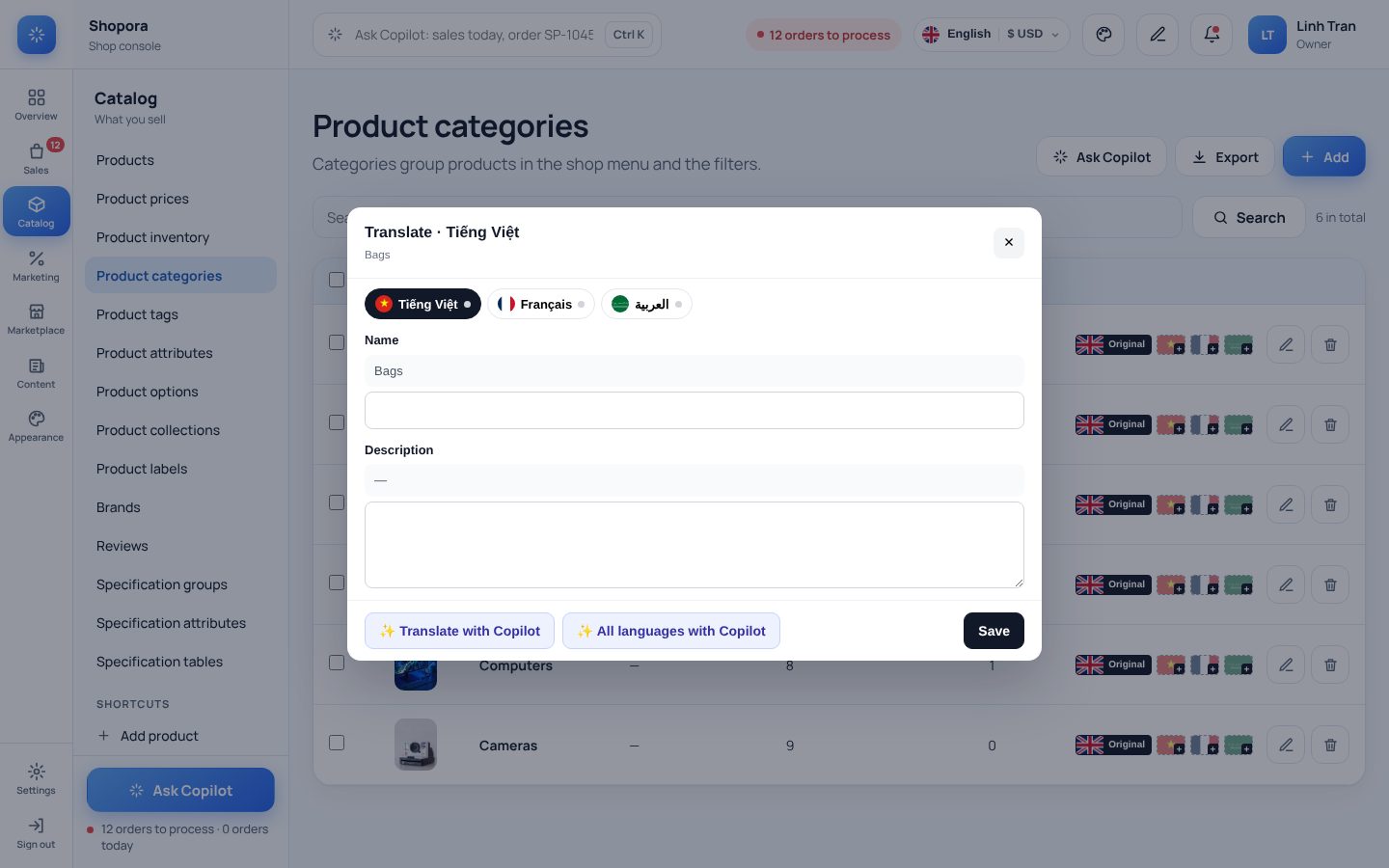
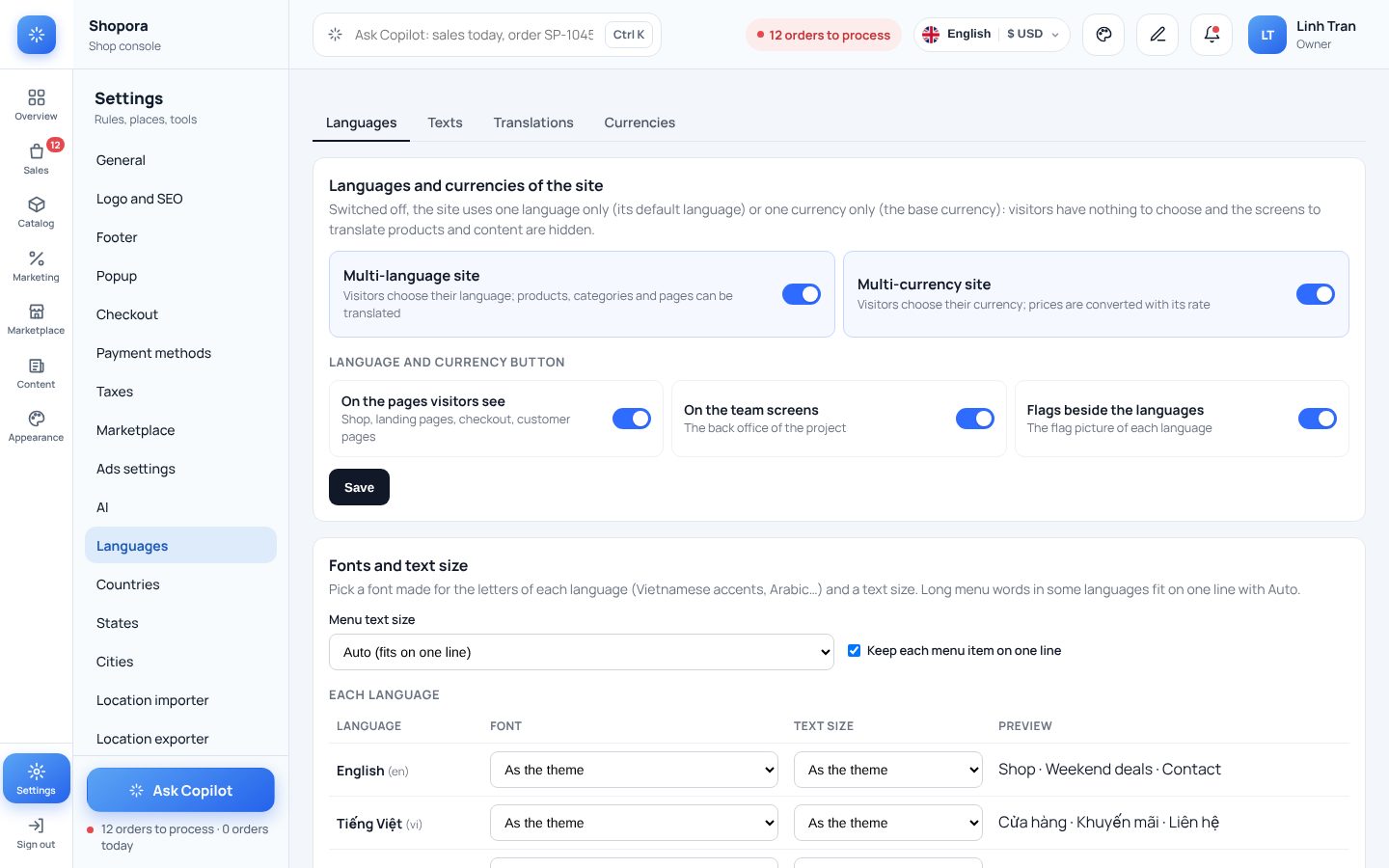
Write your shop in the language you work in — Vietnamese, English, Arabic — and translate products, categories, brands, posts and pages right in the lists, by hand or with Copilot. Visitors pick their language and currency; prices convert, orders stay in your base currency.
- One switch for a one-language or a multi-language site
- Flags on every row: translated or not, at a glance
- Page addresses in each language
- A font and text size per language; the menu always fits on one line
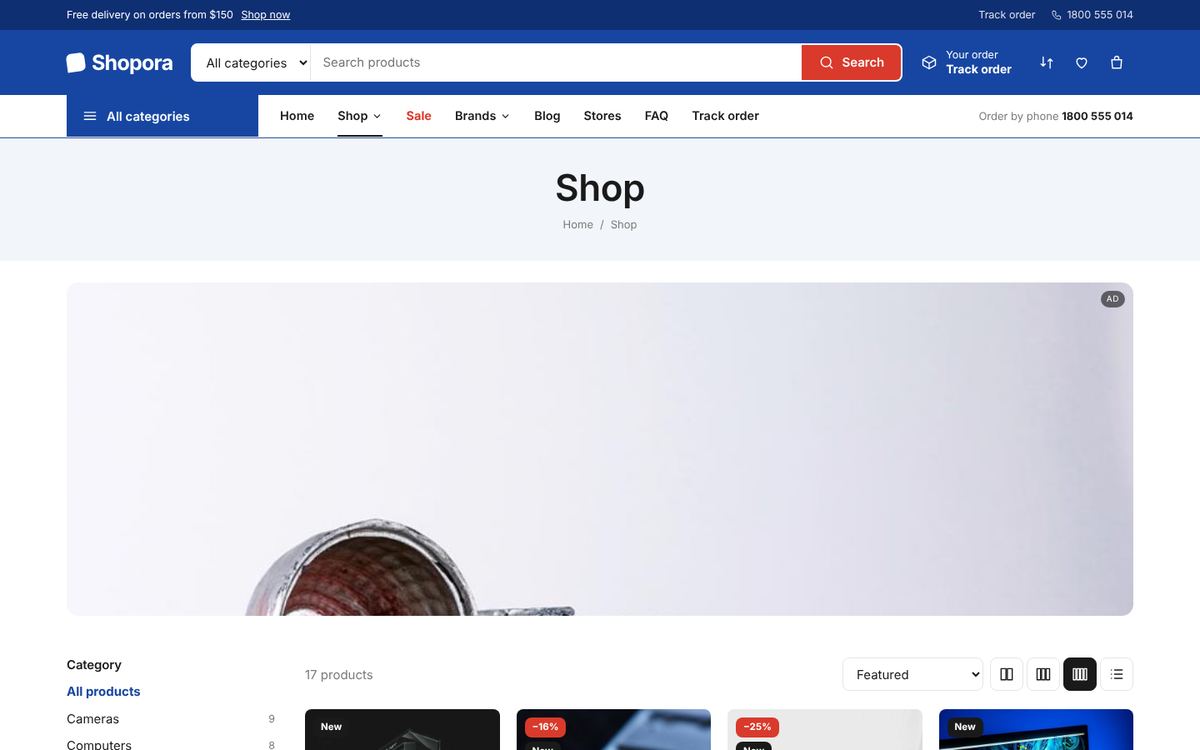
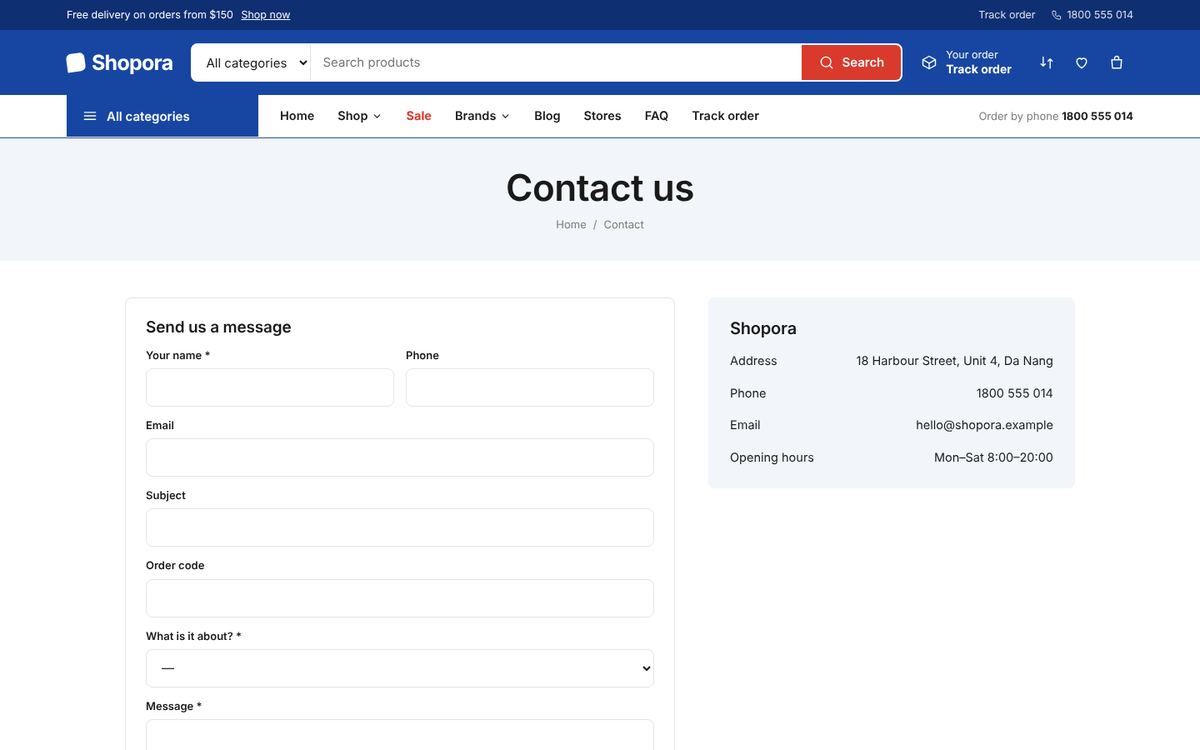
What your customers see
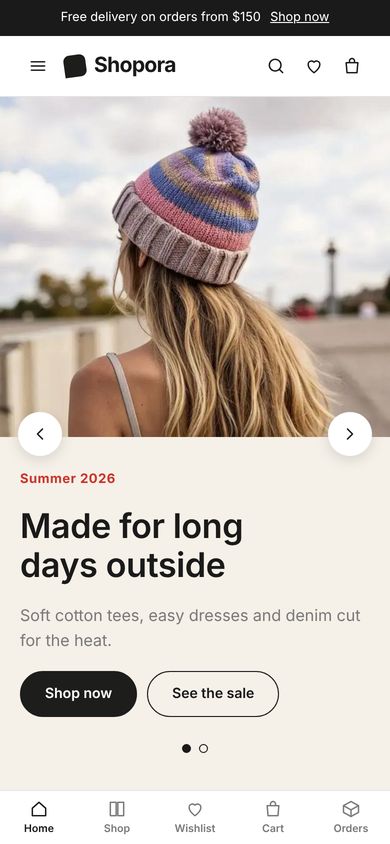
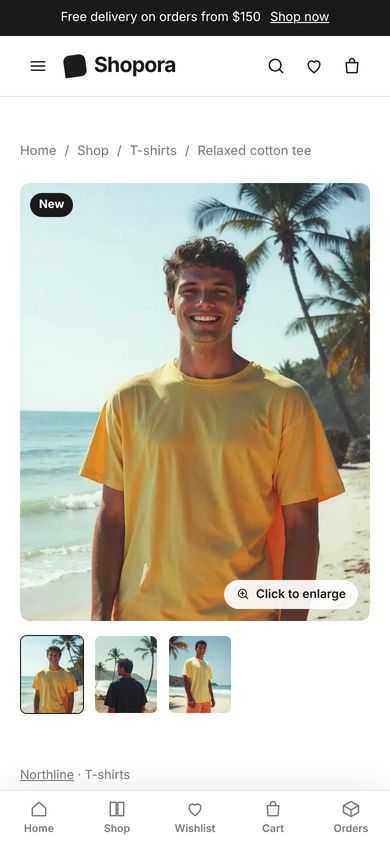
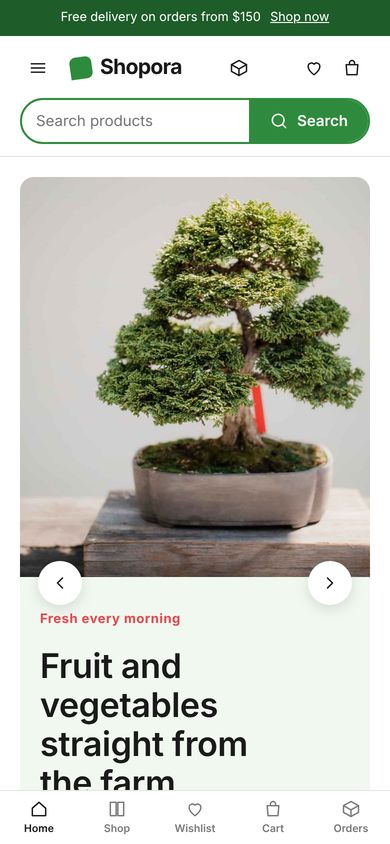
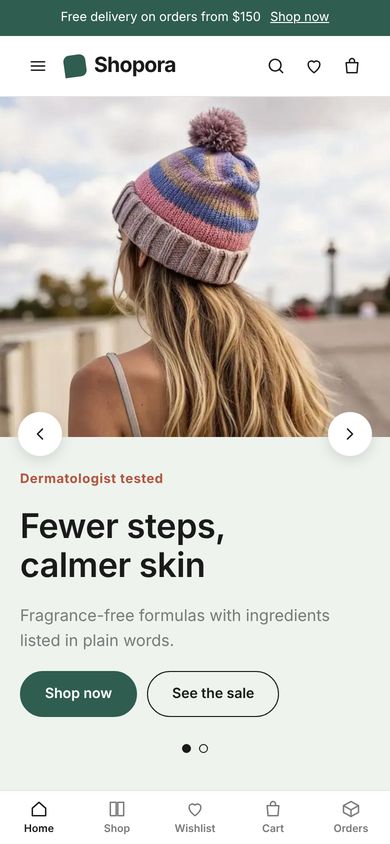
Screenshots of the live demo with sample products.
The same shop, as an app
Choose the app theme, the tab bar and the product grid, check it on the phone preview, then save.
Sent by the server, at every step
Order receivedA few minutes after the order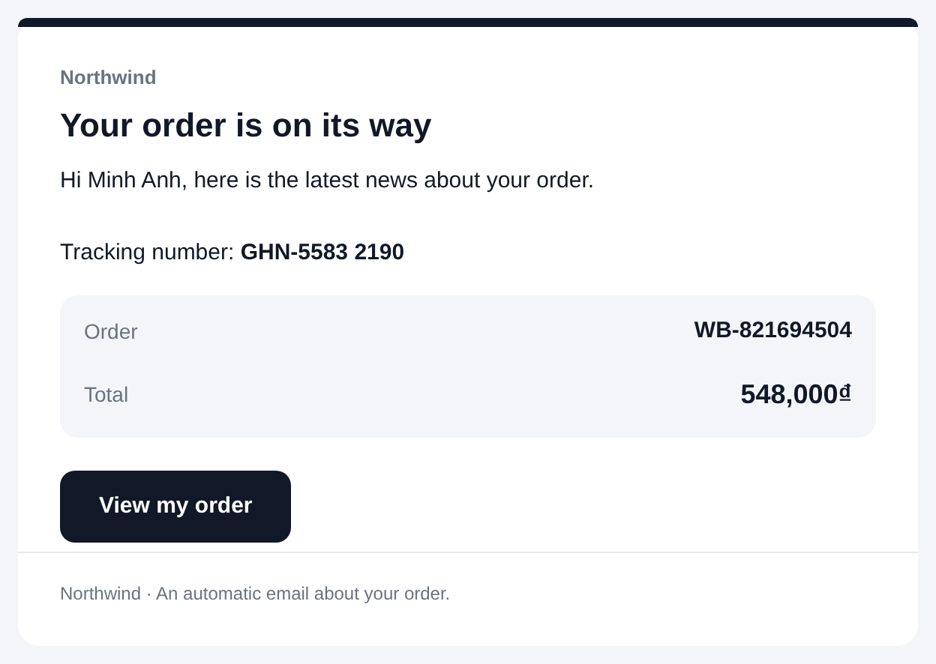 On its wayWith the tracking number
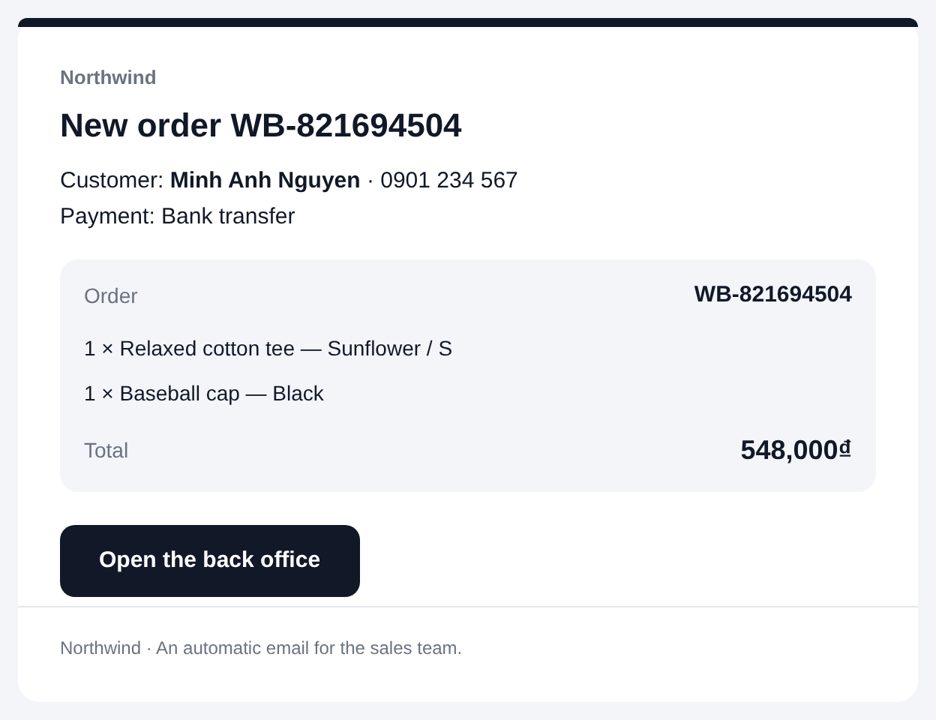 New order for the teamEvery new order
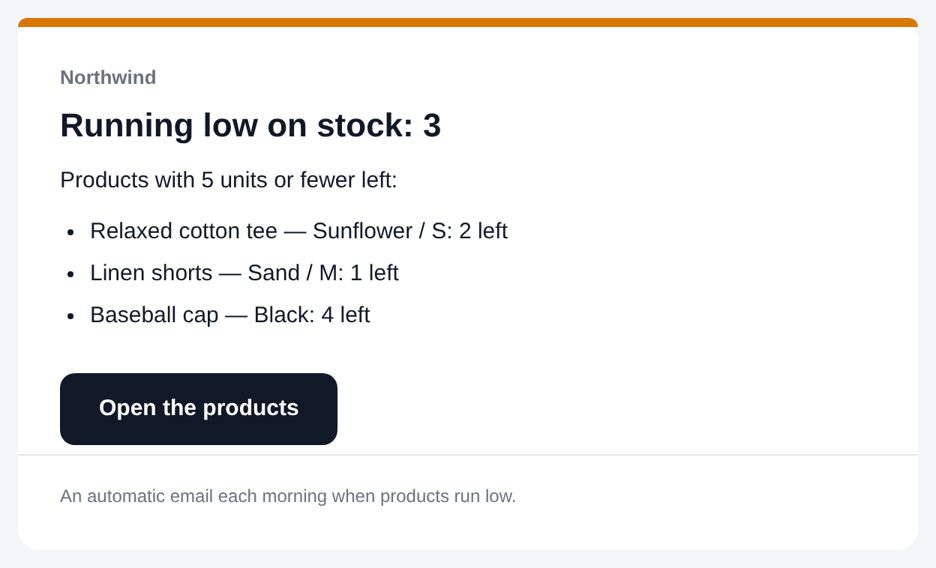 Low stockEvery morning
Start selling today
Pick a theme, add your first product and open the shop — the guide walks you through every step.